

Reporting
Stop chasing updates, digging for numbers, and spending hours putting it into a deck. Get real live data; how you want it, when you want it.


%201%2C%20Color%3DWhite.svg)
Hunting down data, analysing it, and pasting it into a deck used to take days. In Tability it's instant, because the data was already live, already summarised, and always the same numbers everyone else is looking at.
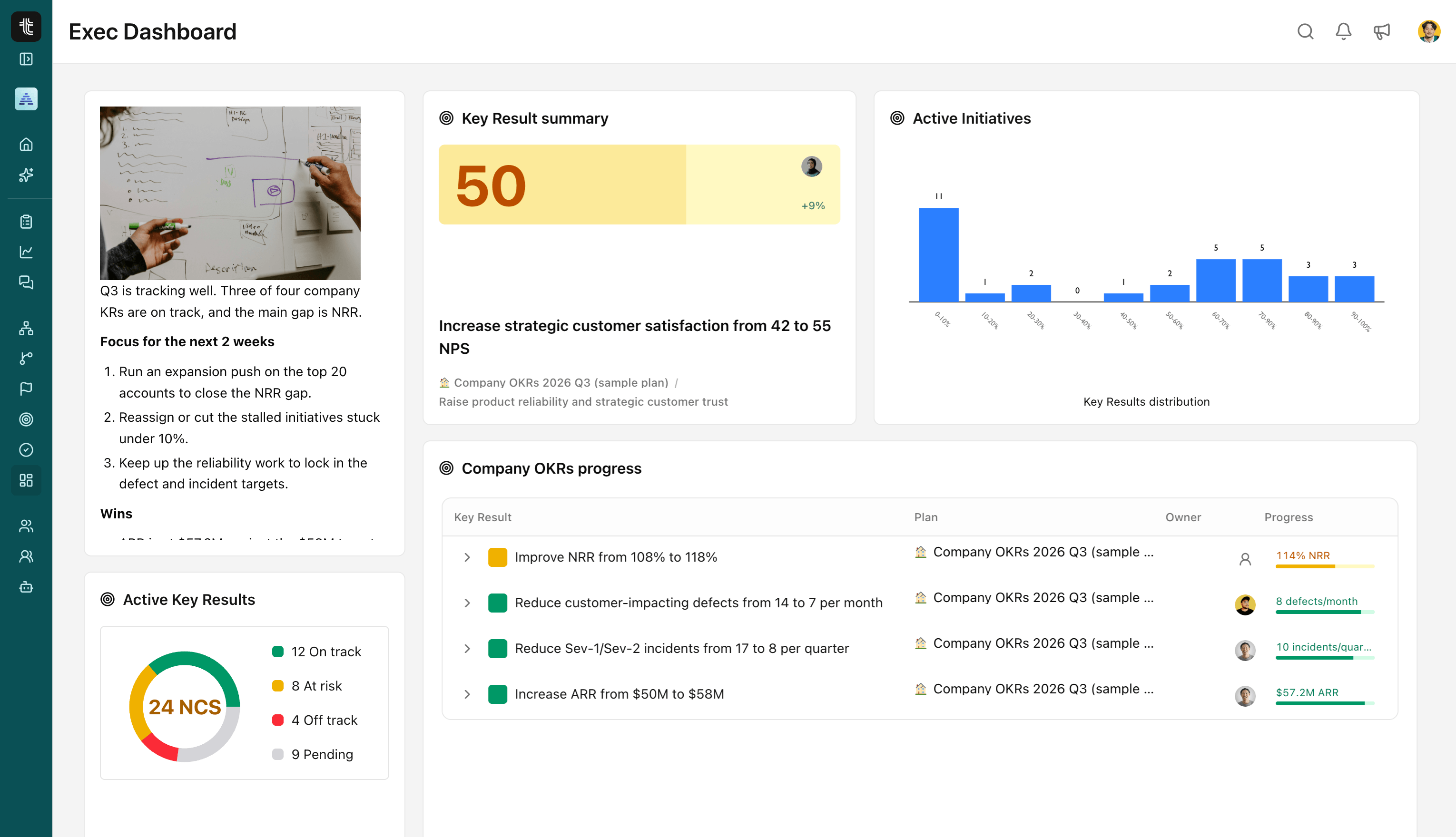
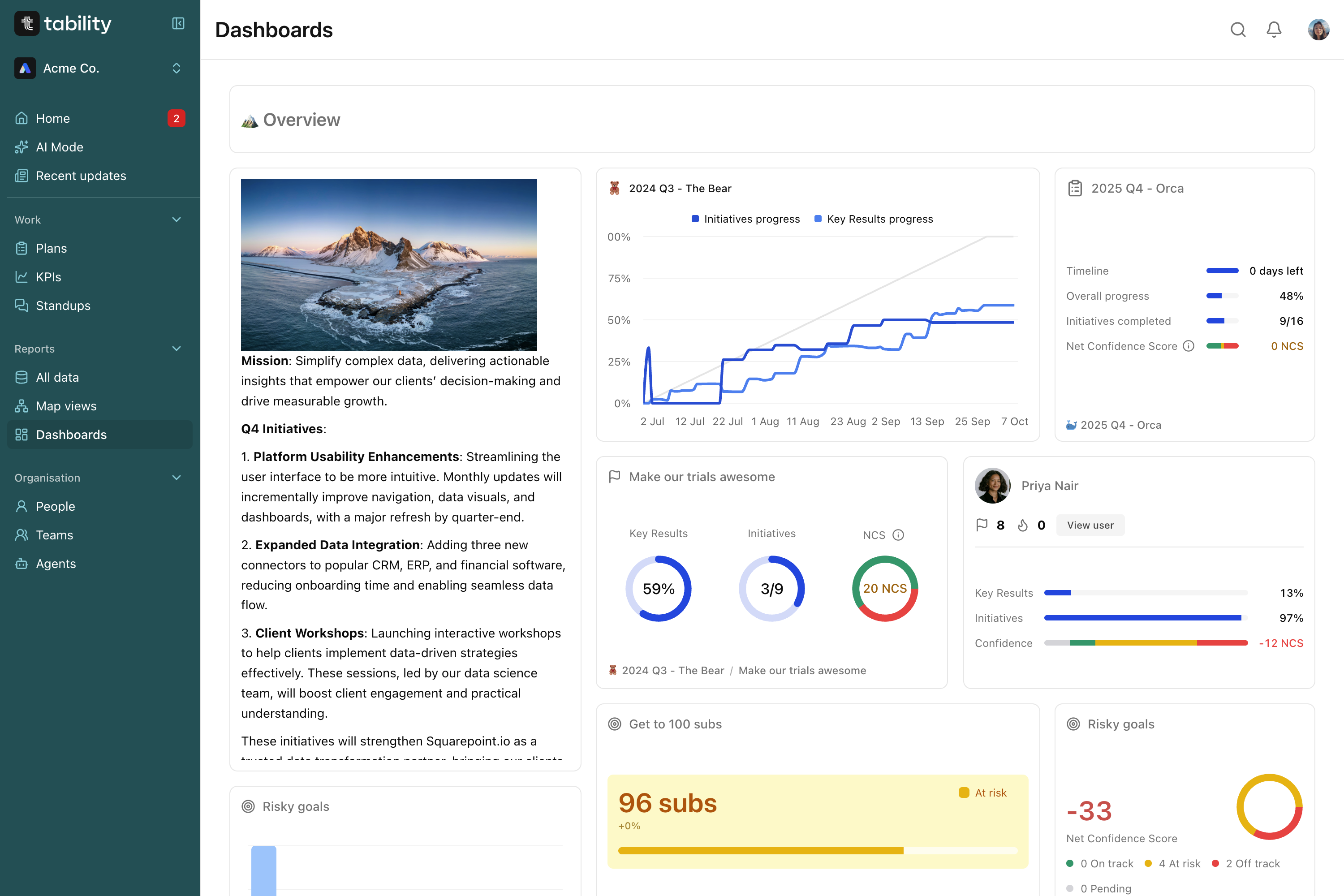
Custom dashboards
Drag in the widgets that matter, OKR summaries, filtered key result lists, team views, and Tability keeps them live. No weekly rebuild, no digging for the same numbers twice.
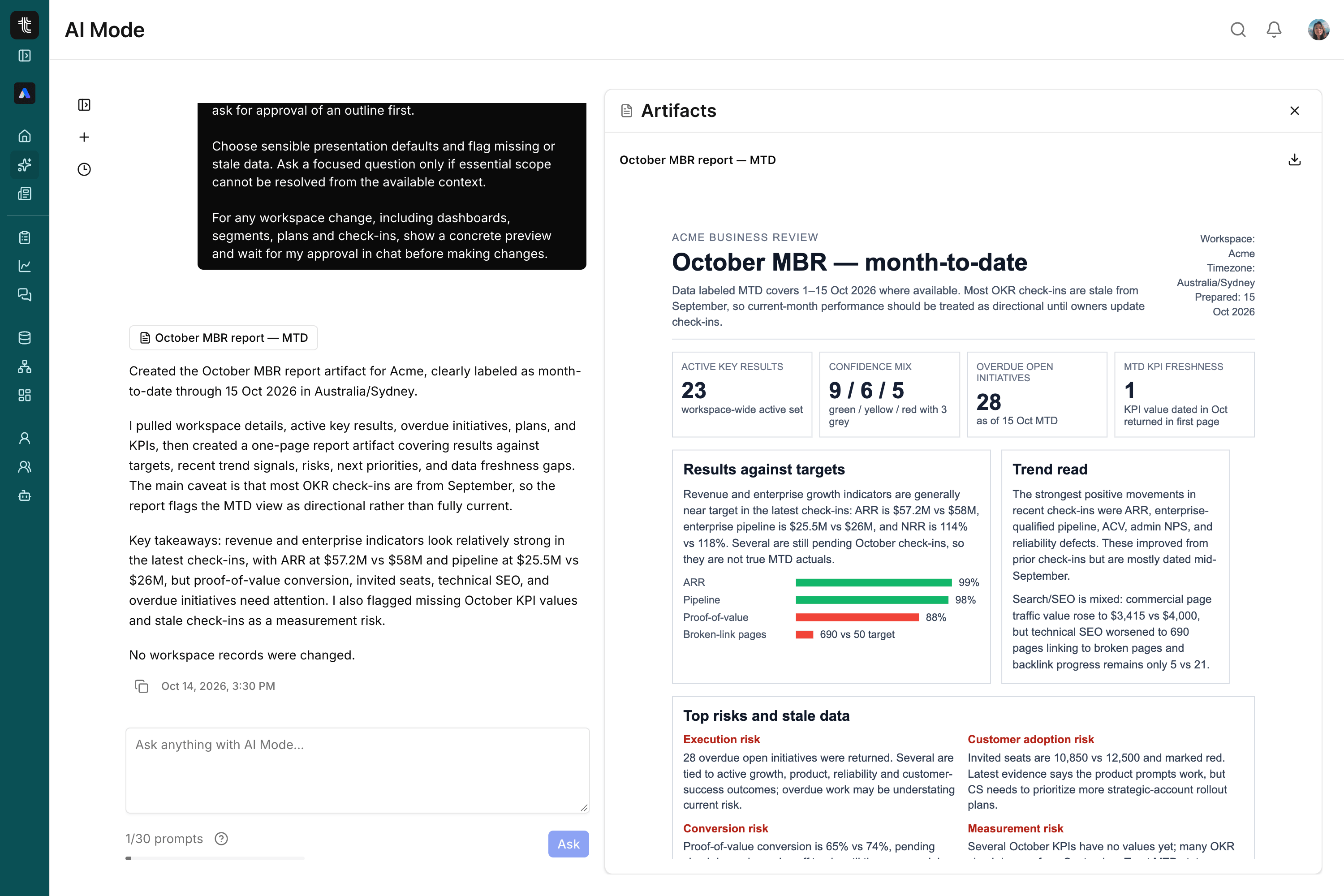
Scheduled Prompts
Describe the report you want in plain English, choose the data it should pull from, and set a cadence. Tability builds it fresh and sends it, so no one has to remember to compile it again.
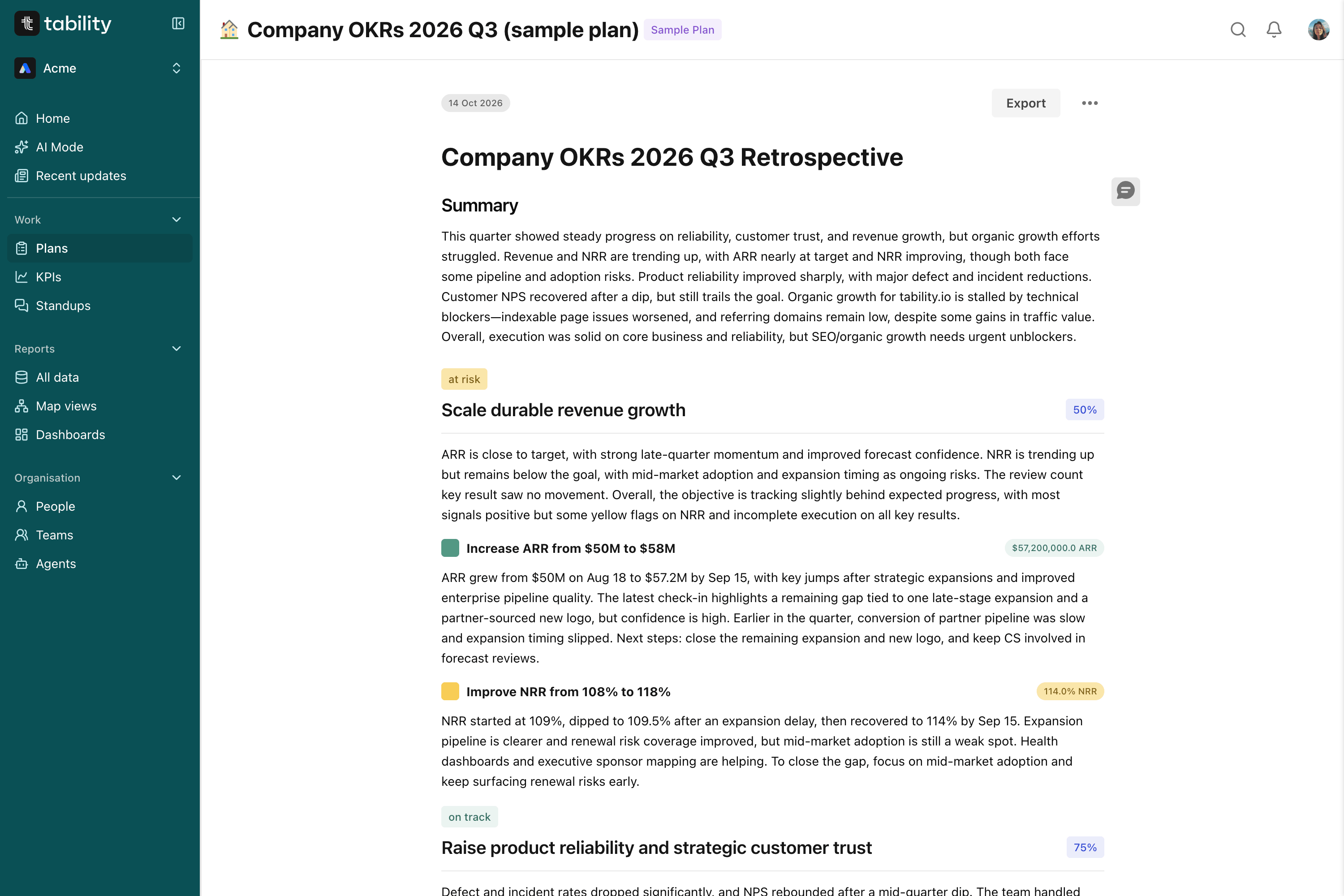
Relationships
At the end of a cycle, Tability can populate the whole retrospective for you, pulling in each objective's status and the check-ins behind it. Edit what needs a human voice, publish, and share.

"This is a great tool for Executives. Tracking weekly metrics in a meaningful and consistent way which is easy to share."

Workspace insights
A single view of workspace health: stale check-ins, off-track key results, overdue initiatives. Every flag links straight to the list behind it, so you go from "something's wrong" to "here's exactly what" in one click.
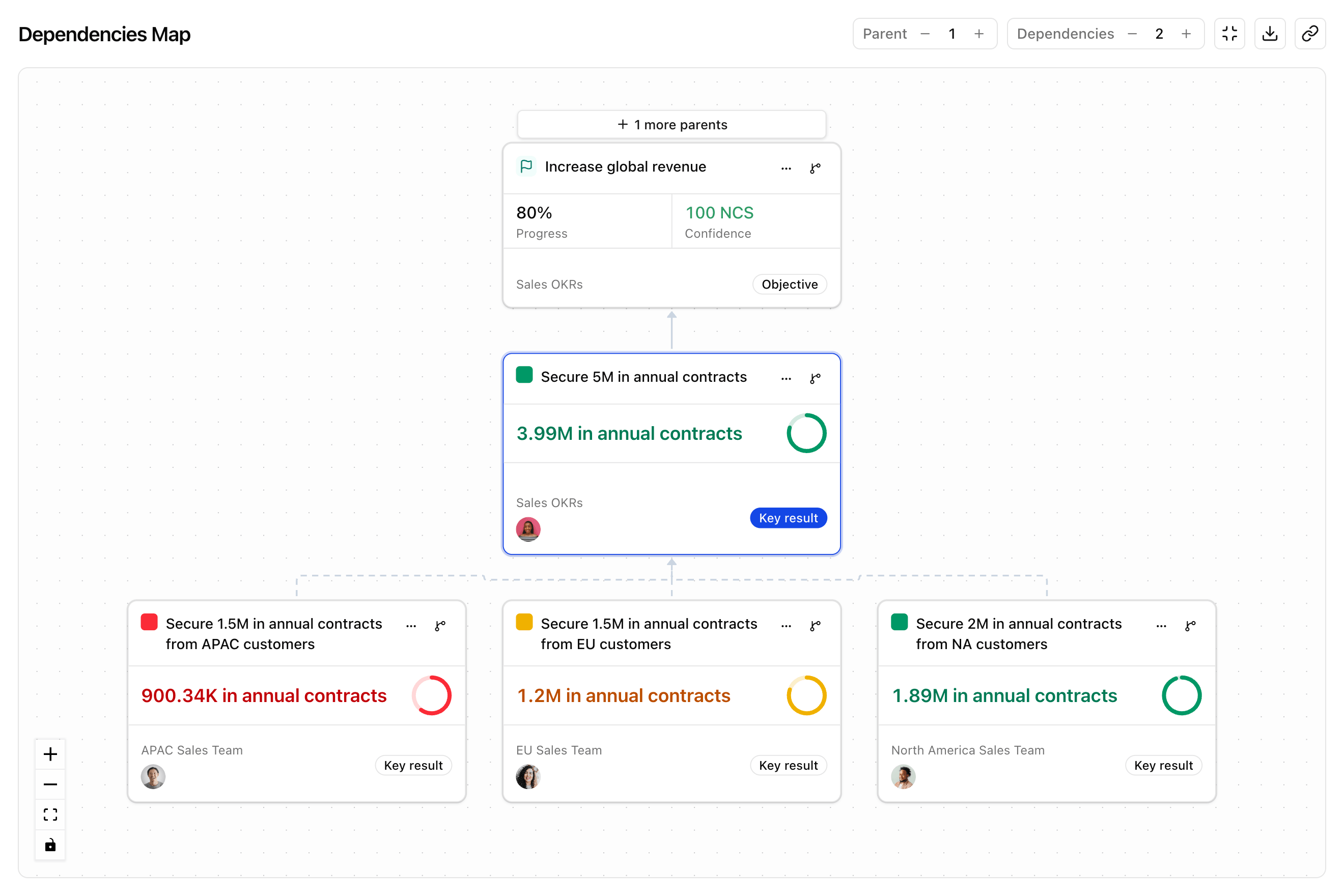
Presentation mode
Open any plan in presentation mode and it becomes a clean, walk-through view; perfect for your next meeting. No slides to build, and nothing to update the morning of the meeting.
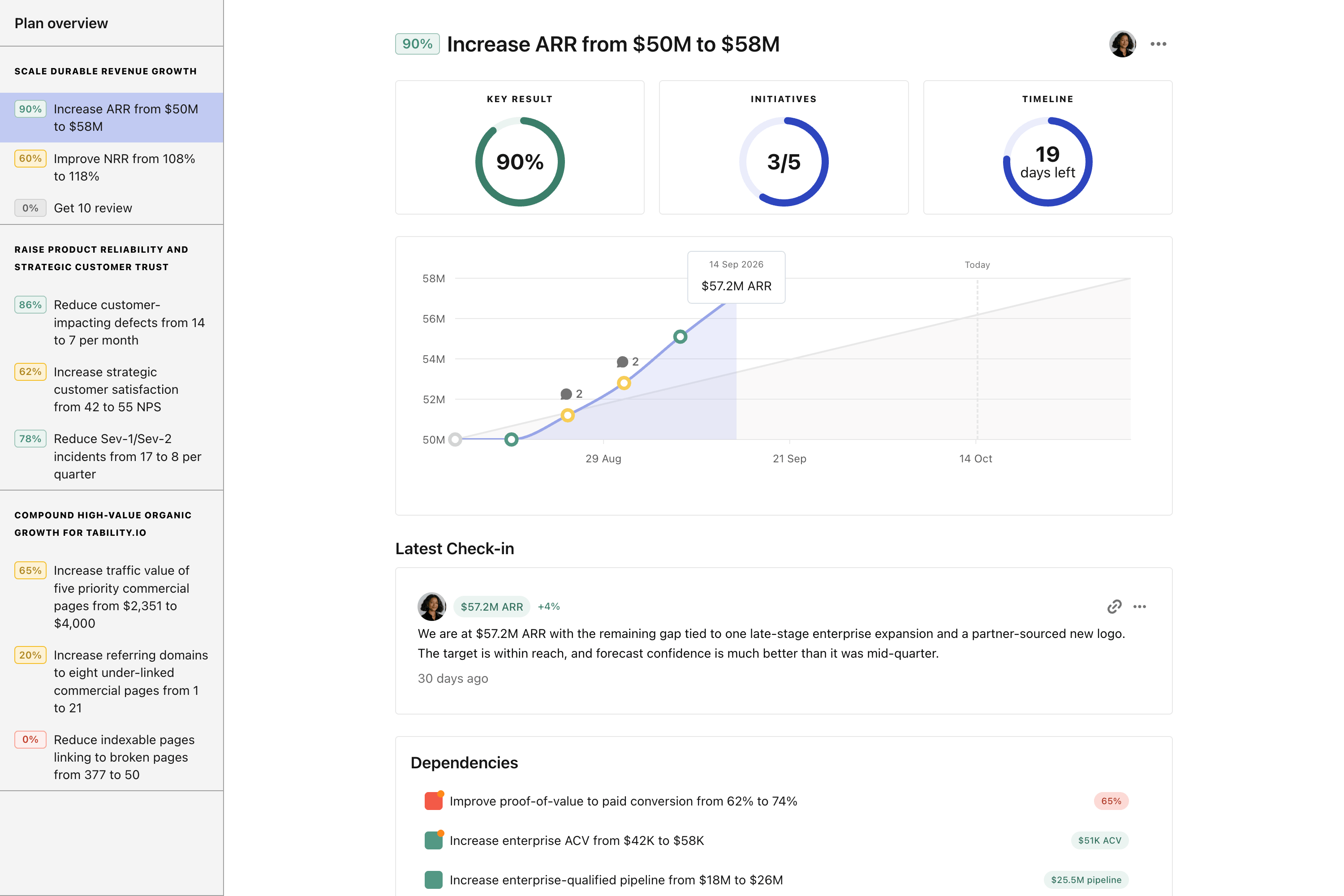
Slide export
Export any plan as a branded PowerPoint or Google Slides deck: a title slide, then one slide per objective with its key results, values, and confidence colour-coded. Built from live data, ready to send.
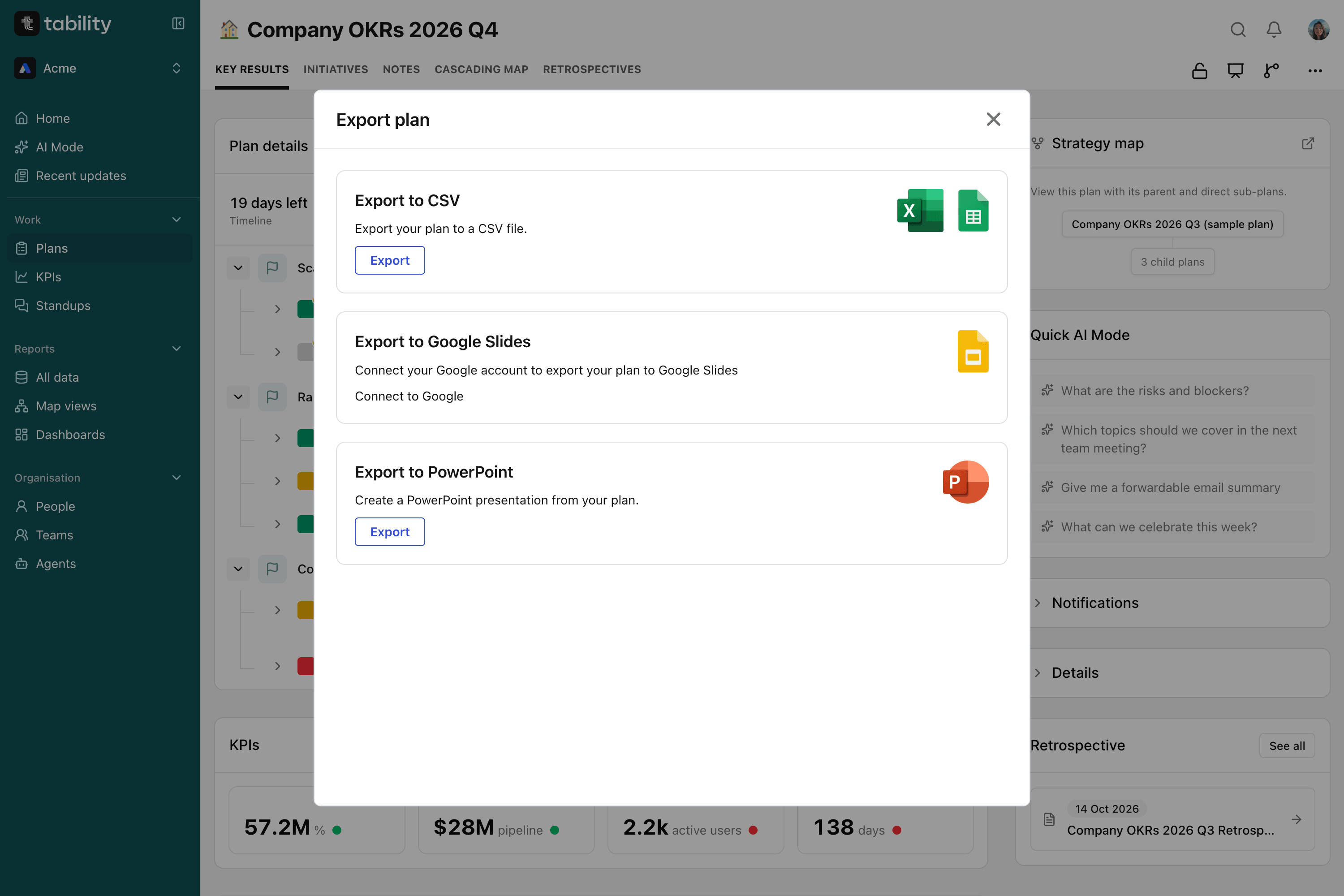

Share your plan via public link to investors or relevant stakeholders, without requiring an account or sign-in.

Filter just the goals you want to see and easily export them to CSV or export your Plans as a readable PDF to share.

Want your goals to be displayed on a TV in the office? Display them in a large display friendly mode.
1
Bring your goals into Tability and connect the data sources behind them, so every number is live from day one, not typed in by hand.
2
Slice progress by team, owner, confidence, or status, and find exactly what you're looking for without asking anyone for an update.
3
Turn a view you keep coming back to into a dashboard you can reopen anytime, or a report you describe once and never have to run manually again.
4
Open a dashboard on demand, present it straight from the plan, or get your scheduled report delivered to your inbox or Slack, exactly when you need it.
A dashboard is a live view you check whenever you want. A scheduled report is that same kind of summary, delivered to an inbox on a cadence you set. A retrospective is a written, end-of-period reflection, drafted by AI and edited by you.
No. Set up a dashboard or a scheduled report once and it keeps working. Retrospectives and presentation views are generated fresh from live data each time you open them, nothing to rebuild by hand.
Our AI Assistant can populate a retrospective from your team's real check-in history, and scheduled reports let you describe what you want in plain English instead of configuring a dashboard by hand.
Any member of your workspace. Choose the recipients when you set up the schedule, so a report can go to you alone or to a wider group of stakeholders across the team.
Yes. Presentation mode supports a shareable external link and a simplified TV mode for wall displays, so a plan can be viewed by people who don't have a Tability login.
No. Every view pulls from the same live check-in data behind the rest of Tability. A dashboard, report, or presentation you open today reflects the latest check-ins, not a cached export.
Yes. Any plan can be exported as a branded PowerPoint deck in one click, a title slide plus one slide per objective with its key results and current values.
Free 14-day trial · No credit card required · Up and running today